
All scoreboards

Add score
TIP: Open "Add score" settings on another device or other tab to keep this scoreboard representative.
Saved
Recent activity
No score activity yet. Add a score and it will show up here.
Dashboards
Add live widgets next to your leaderboard. Toggle them on or off any time - your viewers see the changes instantly.
0 widgets active
- Daily totalactivity
Total amount added per day with comparison vs the previous period.
- Team sales goaltargets
Combined team progress toward the sales goal, shown as a gauge.
- UpgradeActivity calendarEnterprise
GitHub-style heatmap of total team activity per day across the past weeks.
Unlock this widget with the Enterprise plan.
- UpgradeDaily barsEnterprise
Bar chart of daily activity with the peak day highlighted and weekends muted.
Unlock this widget with the Enterprise plan.
- UpgradeTeam goal fillEnterprise
Combined team progress toward the sales goal, shown as a filling circle.
Unlock this widget with the Enterprise plan.
Scoreboard Description
Set what appears at the top of your leaderboard - a heading and a short description.
Description
0 charactersArticle
0/50000Optional long-form write-up shown above the leaderboard — like a web article about the board's topic. Plain text (blank line = new paragraph) or simple HTML.
Sources
Board type
Switch the board layout. Your existing scores are kept.
Units
Preview
120
Custom KPIs
Track several units per player on this board. The main unit decides the ranking; every other unit is shown inside each row.
Off by default. When off, this board works exactly as before.
Score design


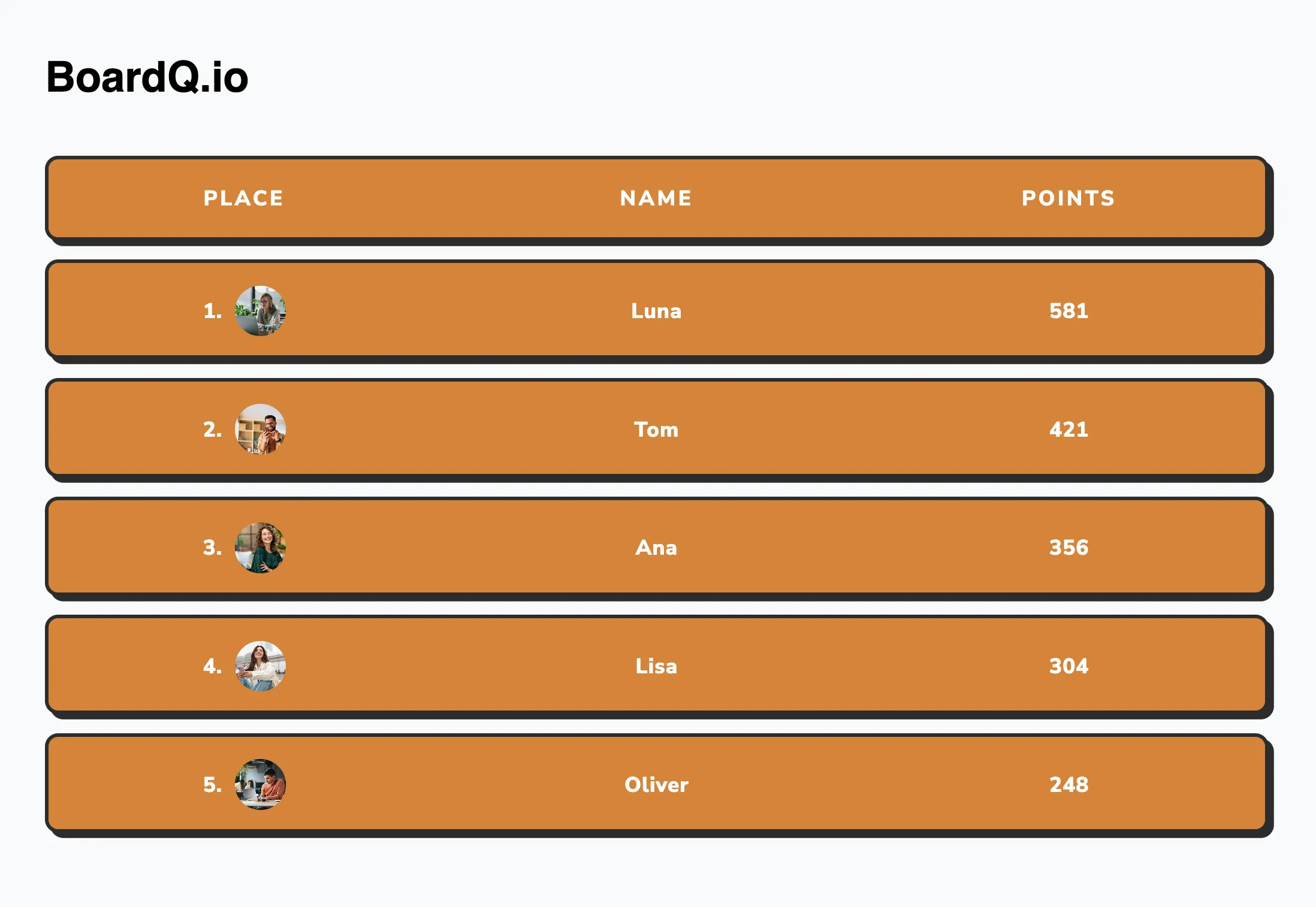

Design


AI import
PREMIUMUpload a messy CSV or Excel file and AI builds the whole board for you - it picks the layout, the main metric, extra stats, a goal and widgets, then fills in every row. Available on Premium & Enterprise.
Drag & drop a file, or click to chooseCSV, XLSX or XLS · up to 8MB
Export results
Download your leaderboard data, or save it as an image to share.
- CSV
A spreadsheet-friendly file of every score and participant.
- Excel
The same data as a formatted .xlsx workbook.
- Image (PNG)PREMIUMUpgrade
Save the leaderboard as a shareable image. Available on Premium.
Sorting results
Board Logo
Brand the top of your leaderboard. Logos are part of the Premium plan.
Custom logos are a Premium feature.Add your own image or text logo, or remove it any time.
UpgradeQR Code
Add a custom link (sign-up form, rules, prize page…) and a QR for it is shown on the leaderboard. This is separate from the board's own share link.
Your QR preview appears here
Embed leaderboard into your app
Drop your live leaderboard onto any website with this snippet - it updates in real time, no refresh needed.
embed.html
<iframe
  src="https://www.boardq.io/board/m2pby9w4"
  width="100%"
  height="500"
  frameborder="0"
></iframe>
<a href="https://www.boardq.io/?ref=embed">Live leaderboard by BoardQ</a>API settings
Push scores in automatically
The REST API is part of Premium. Generate a key and update this board from any tool - no manual entry.
- Send scores from Salesforce, HubSpot, Zendesk or any app
- Automate with a webhook, Zapier or a one-line script
- Up to 2 API keys on your account
Integrations
Connect a tool once and this board keeps itself up to date - no exports, no copy-paste, no stale numbers on the screen.
Loading integrations…
Custom CSS styles
Custom CSS
Style your leaderboard with your own CSS to match your brand exactly. Custom CSS is part of the Enterprise plan.
- Target any class or id on the board
- Custom fonts, colors, spacing and effects
- A pixel-perfect match to your brand
Collaborators
Collaborators
Invite teammates to manage this board together. Collaborators are part of the Enterprise plan.
- Add admins and contributors by email
- Let teammates add and edit scores
- Control who can manage the board
Duplicate leaderboard
Run your team's performance board again — every season, month or sprint — without ever rebuilding it.
One click clones the whole board with the same players, ready to compete from a clean slate.
- Reuse your full roster instantly — scores reset to 0
- Keep your design, units, KPIs and settings
- Kick off a new round or period in seconds
Remove leaderboard
FULL SCREEN
